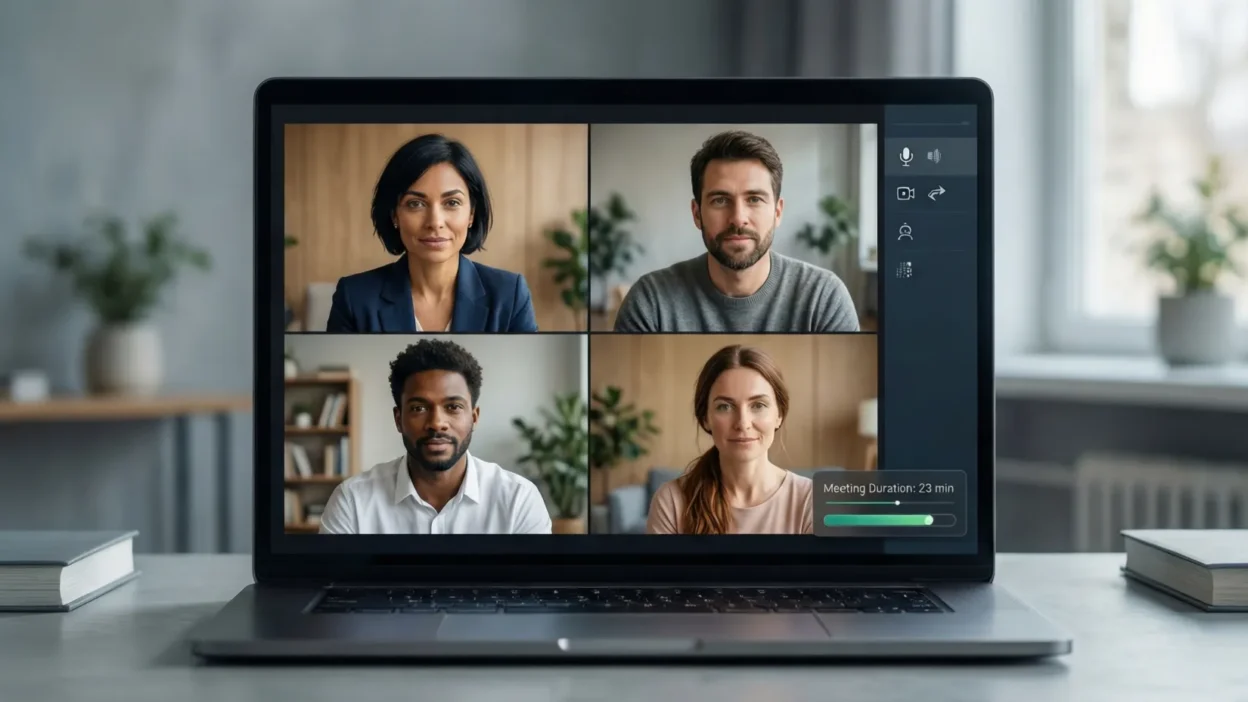
Video conferencing has become an essential part of modern work, education, and collaboration. Whether you are attending a team meeting, joining an online class, or speaking with clients, the way you present yourself on a video call matters more than ever. Poor audio, bad lighting, and lack of preparation can quickly turn a simple meeting into a frustrating experience for everyone involved.
By learning and applying the right video conference tips, you can communicate more clearly, appear more professional, and stay focused throughout virtual meetings. Small improvements—such as setting up your environment, testing your technology, and following proper video conferencing etiquette—can make a noticeable difference in how others perceive you and how productive your meetings become.
In this guide, you will discover practical and easy-to-follow video conference tips that cover everything from technical setup and communication skills to professionalism and productivity. These tips will help you feel confident, prepared, and in control during every virtual meeting you attend.
Why Video Conferencing Skills Are Important
Strong video conferencing skills are no longer optional—they are a core part of professional communication in today’s digital world. As remote work, virtual interviews, and online collaboration continue to grow, the way you show up on video directly affects how others perceive your competence, confidence, and credibility.
First impressions happen quickly in virtual meetings. Poor lighting, unclear audio, or unprofessional behavior can distract participants and reduce trust, even if your ideas are strong. On the other hand, a well-prepared video presence helps you appear organized, reliable, and respectful of others’ time. This is especially important in client meetings, job interviews, and leadership discussions where professionalism matters most.
Effective video conferencing also improves communication and productivity. When participants can see and hear each other clearly, misunderstandings are reduced and conversations flow more naturally. Good video conference habits—such as active listening, clear speaking, and proper etiquette—help meetings stay focused and goal-oriented instead of chaotic or exhausting.
Additionally, mastering video conference tips can help reduce common issues like meeting fatigue, technical delays, and disengagement. When meetings run smoothly, teams collaborate better, decisions are made faster, and everyone leaves the call with clear next steps.
In short, video conferencing skills help you communicate more effectively, build stronger professional relationships, and make the most of every virtual meeting.
Pre-Meeting Preparation (Before the Call)
Successful video conferences start long before you click the “Join” button. Proper preparation helps you avoid technical issues, reduce stress, and present yourself professionally from the very beginning. Taking a few minutes to prepare can significantly improve the quality and effectiveness of your virtual meetings.
Technical Setup
Begin by checking your device and internet connection. Use a reliable laptop or desktop with a working camera and microphone, and make sure your internet connection is stable. Close unnecessary applications to prevent lag and interruptions. Always test your audio, camera, and screen-sharing features before the meeting, especially if it is an important call or presentation. Keeping your video conferencing software updated also helps prevent unexpected glitches.
Environment Setup
Choose a quiet, well-lit space where you are unlikely to be interrupted. Natural light works best, but a desk lamp placed in front of you can also improve visibility. Position your camera at eye level and ensure your background is clean and professional. If you use a virtual background, keep it simple and non-distracting.
Personal Readiness
Dress appropriately based on the type of meeting, even if you are working from home. Review the meeting agenda, prepare any documents or notes you may need, and join the call a few minutes early. Being mentally and physically prepared helps you stay confident, focused, and engaged throughout the video conference.
Best Practices During a Video Conference
Once the meeting begins, how you behave and communicate on camera plays a major role in its success. Following proper video conferencing best practices helps create a respectful, engaging, and productive environment for everyone involved.
Professional Etiquette
Always join the meeting on time and keep your microphone muted when you are not speaking to avoid background noise. Speak only when appropriate and avoid interrupting others. Sit up straight, maintain good posture, and be mindful of your facial expressions and body language. Avoid multitasking, eating, or checking your phone during the meeting, as these behaviors can appear unprofessional and distracting.
Clear and Effective Communication
Speak clearly and at a moderate pace so everyone can understand you. Look at the camera when talking to create the feeling of eye contact, which helps build connection and trust. Practice active listening by nodding or using brief verbal responses to show engagement. When necessary, use the chat feature to share links, ask questions, or clarify points without interrupting the speaker.
Engagement and Participation
Stay engaged by contributing relevant ideas and asking thoughtful questions. Balance your participation so you add value without dominating the conversation. Encourage others to speak, especially in group meetings, to create a more collaborative atmosphere. Active and respectful participation helps keep video conferences focused, interactive, and effective for all participants.
Technical Tips for Smooth Video Calls
Technical issues are one of the most common reasons video conferences become frustrating or unproductive. By following a few simple technical tips, you can greatly improve the quality and reliability of your video calls.
Start by prioritizing clear audio. Use headphones or a dedicated headset to reduce echo and background noise, and choose a quiet environment whenever possible. If your platform offers noise suppression or audio enhancement features, enable them to improve sound clarity. Always speak at a steady volume and avoid moving too far from the microphone.
For better video quality, ensure your camera lens is clean and your face is well-lit from the front. Close applications and browser tabs that consume bandwidth, as they can cause video lag or freezing. If you experience frequent connection issues, consider using a wired internet connection instead of Wi-Fi for more stability.
Video Conferencing Tips for Different Scenarios
Not all video conferences are the same. The way you prepare and participate should vary depending on the purpose of the meeting. Adapting your approach to different scenarios helps you communicate more effectively and make a stronger impression.
Work Meetings and Team Collaboration
In regular work meetings, focus on clarity and collaboration. Review the agenda in advance and come prepared with updates or questions. Keep your contributions concise and relevant, and use screen sharing only when it adds value. For team discussions, be supportive and responsive, as positive engagement helps remote teams stay connected and productive.
Online Interviews and Professional Calls
Video interviews require extra attention to professionalism. Dress formally, maintain eye contact with the camera, and minimize all distractions. Practice answering common questions so you can respond confidently and clearly. Show enthusiasm through your tone and facial expressions, as these details help interviewers assess your communication skills and personality.
Online Classes and Virtual Learning
For online classes, stay focused and actively participate when appropriate. Take notes, ask questions, and use the chat feature respectfully. Keep your camera on if required, as this shows attentiveness and respect for the instructor. Managing your time and staying engaged will help you get the most value from virtual learning sessions.
Productivity and Time Management Tips
One of the biggest challenges with video conferencing is staying productive without feeling overwhelmed. Poorly managed meetings can waste time and lead to video meeting fatigue, but the right habits can make virtual meetings more efficient and purposeful.
Start by having a clear agenda for every meeting. Knowing the goals and discussion points helps participants stay focused and prevents conversations from going off track. Whenever possible, limit meeting length and stick to scheduled start and end times. Shorter, well-structured meetings are often more productive than long, unfocused ones.
During the call, stay present and avoid multitasking. Close unrelated tabs, silence notifications, and give the meeting your full attention. Taking brief notes can help you stay engaged and remember key points without becoming distracted. If a meeting does not require active participation, consider whether your presence is truly necessary.
After the meeting, review action items and next steps to ensure accountability. Following up with a summary or shared notes helps reinforce decisions and reduces the need for unnecessary follow-up meetings. Good time management and focus can turn video conferences into effective tools rather than productivity drains.
Security and Privacy Considerations
As video conferencing becomes more common, protecting your security and privacy is just as important as looking and sounding professional. Taking a few precautions can help prevent disruptions, data leaks, and uncomfortable situations during virtual meetings.
Always use secure meeting links and avoid sharing them publicly. Enable passwords or waiting rooms when available, especially for business meetings, interviews, or online classes. These features allow hosts to control who joins the call and reduce the risk of unauthorized access.
Be cautious when using public Wi-Fi networks, as they can expose your data to security risks. If possible, join video conferences from a private and secure internet connection. When sharing your screen, double-check that only the necessary window or application is visible, and close personal tabs, messages, or notifications beforehand.
Privacy also includes being mindful of your surroundings. Make sure sensitive information, documents, or personal items are not visible in the background. Use recording features responsibly and only with permission from all participants. By following basic security and privacy practices, you can participate in video conferences confidently and protect both your personal and professional information.
Common Video Conferencing Mistakes to Avoid
Even experienced professionals can make simple mistakes during video conferences that affect communication and credibility. Being aware of these common issues can help you avoid them and create a more professional virtual presence.
One of the most frequent mistakes is neglecting audio and video quality. Poor lighting, awkward camera angles, or unclear sound can distract others and make it difficult to follow the conversation. Always check your setup before joining the meeting to ensure everything works properly. Background noise and interruptions are another major problem, so choose a quiet space and mute your microphone when you are not speaking.
Many people also underestimate the importance of body language and engagement. Looking away from the screen, slouching, or appearing distracted can signal disinterest, even if you are listening. Avoid multitasking, such as checking emails or using your phone, as it reduces focus and professionalism.
Overusing virtual backgrounds or effects can also be distracting, especially if they glitch or clash with your appearance. Additionally, joining meetings late or being unprepared can disrupt the flow and waste time. By recognizing and avoiding these common video conferencing mistakes, you can communicate more effectively and leave a positive impression in every virtual meeting.
Advanced Video Conferencing Tips
Once you have mastered the basics, advanced video conferencing tips can help you stand out and make your virtual meetings even more effective. These strategies are especially useful for presentations, leadership roles, and frequent online collaboration.
Take advantage of built-in platform features to improve efficiency. Keyboard shortcuts, screen sharing options, and meeting controls can help you navigate calls smoothly without interruptions. If appropriate, use meeting recording features to capture important discussions, but always inform participants and follow privacy guidelines.
For presentations, prepare your screen in advance and practice switching between slides, documents, or demos. Keep visuals simple and clear so they support your message rather than distract from it. Using a second monitor can make it easier to manage notes and content while maintaining eye contact with the camera.
You can also explore AI-powered tools and meeting assistants that provide real-time captions, summaries, or action-item tracking. These tools can enhance accessibility and save time during follow-ups. By applying advanced video conference tips thoughtfully, you can elevate your virtual communication and run more professional, engaging, and well-organized meetings.
FAQs About Video Conferencing
What is the best camera setup for video calls?
The best camera setup places the camera at eye level with your face centered in the frame. Use a stable device, ensure the lens is clean, and position a light source in front of you to avoid shadows. This setup helps you look natural and professional on video calls.
How can I improve my audio quality on video conferences?
Using a headset or external microphone can significantly improve audio quality. Join meetings from a quiet room, mute your microphone when not speaking, and enable noise reduction features if your platform offers them.
What should I wear for a video conference?
Wear clean, professional clothing that matches the tone of the meeting. Solid colors usually work best on camera, while busy patterns can be distracting. Dressing professionally helps create a positive impression, even in casual meetings.
How long should video meetings last?
Most video meetings should last between 30 and 60 minutes. Shorter meetings help maintain focus and reduce fatigue. If longer discussions are needed, consider scheduling breaks or splitting the meeting into shorter sessions.
Conclusion
Video conferencing has become a vital part of how we work, learn, and communicate in today’s digital world. While virtual meetings may feel simple on the surface, their effectiveness depends on preparation, professionalism, and clear communication. By applying the right video conference tips, you can avoid common problems, reduce stress, and create more productive and engaging meetings.
From setting up your technology and environment to practicing proper etiquette and time management, every small improvement adds up. Paying attention to security, avoiding common mistakes, and using advanced features wisely can further enhance your virtual presence. Most importantly, consistency in these habits will help you build confidence and trust with colleagues, clients, and teams.